The transition to remote and hybrid workforce models has fundamentally altered corporate security perimeters. While remote flexibility has unlocked higher operational agility, one vulnerability remains persistent across organizations of all sizes: poor password security.
Without centralized access controls and automated vaulting, remote employees frequently resort to dangerous password habits on home networks and unmanaged personal devices. Concurrently, cybercriminals have scaled automated credential attacks to exploit these weak links.
Key Password Security Statistics
Understanding the current threat landscape requires looking at verified security metrics across enterprise breaches and user behaviors:
| Metric / Security Factor | Statistic | Industry Source |
|---|---|---|
| Web Application Attacks Involving Stolen Credentials | 88% | Verizon 2025 Data Breach Investigations Report |
| Overall Initial Access via Compromised Credentials | 22% of all data breaches | Verizon 2025 Data Breach Investigations Report |
| Global Password Reuse Rate Across Accounts | 72% to 84% of users | Bitwarden World Password Day Global Survey |
| Users Relying on the Same Password for All Accounts | 13% of global respondents | Bitwarden World Password Day Global Survey |
Why Password Insecurity Persists in Remote Teams
Despite growing corporate awareness surrounding cybersecurity, organizational password management often falls short due to friction and a lack of formal policy enforcement.
1. Convenience Over Security
When employees are forced to remember dozens of complex logins for SaaS platforms, cloud environments, and internal portals, cognitive fatigue sets in. To save time, staff frequently reuse base passwords across multiple work and personal services or make subtle variations that brute-force algorithms quickly decipher.
2. Inadequate Cybersecurity Training
Many business leaders fail to educate staff on modern threat vectors or establish clear guidelines for credential hygiene. Fostering a security-first culture requires open communication; learning how to talk to remote employees about cybersecurity is an essential first step for managers.
3. Weak Creation Practices
When left to manually invent credentials, users fall back on predictable personal information, pet names, or simple sequences. Teams should instead mandate the use of an automated password generator to produce high-entropy strings containing uppercase letters, lowercase letters, numbers, and symbols.
Passkeys vs. Passwords: The Authentication Shift
As credential theft remains a dominant attack vector, new authentication standards like FIDO2 Passkeys have gained traction. Passkeys replace traditional passwords with cryptographic key pairs tied directly to user devices.
While passkeys significantly reduce phishing risks, corporate adoption requires updating IT policies, hardware access, and administrative workflows. Transitioning entirely away from passwords takes time. To understand how password managers integrate alongside modern FIDO2 standards, explore our breakdown of passkey technology.
Implementing a Complete Password Security Strategy
Resolving credential vulnerabilities across a remote organization does not require complex or expensive enterprise infrastructure.
- Deploy a Dedicated Vault: Transition teams away from spreadsheets, sticky notes, and browser storage into an encrypted password manager.
- Enforce Two-Factor Authentication (2FA): Require 2FA across all business logins to ensure stolen credentials alone cannot grant access.
- Establish Role-Based Access Controls: Group credentials by project or team so staff access only the accounts required for their daily duties.
For a comprehensive blueprint on hardening organizational credentials, read our ultimate guide to password security.
Protect Your Workforce with TeamPassword
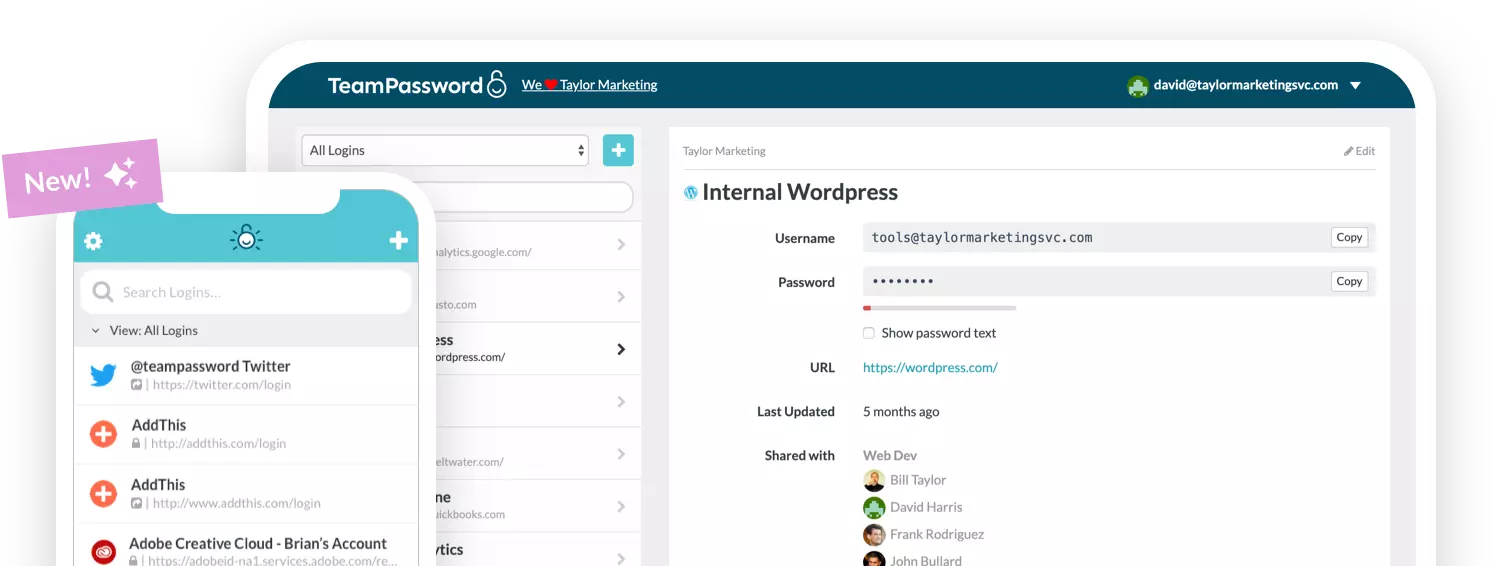
Eliminate password security risks without slowing down team collaboration. TeamPassword provides simple, encrypted credential management tailored for growing teams and small businesses.
- Standard Plan: $2.41/user/month (billed annually)
- Enterprise Plan: $5.25/user/month (billed annually)
Start safeguarding your business logins today—try a free trial with TeamPassword.