




Keep Projects Moving
Everybody hates being locked out. With our shared password manager, your team's apps and tools are accessible anywhere, keeping your projects moving.

Move your agency or small team beyond spreadsheets to secure password sharing—without IT overhead or complexity.
In the office or on the go, TeamPassword makes storing and sharing passwords safely a synch.
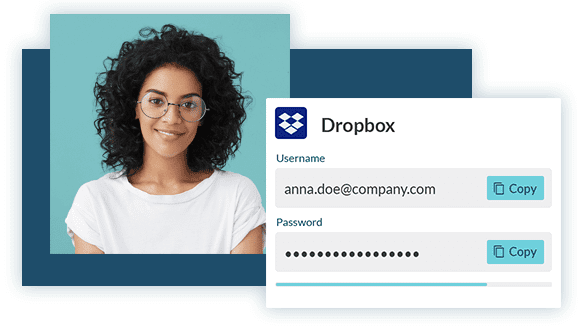
TeamPassword keeps all your logins safe and in-sync, so your team can get the access they need when they need it.





Everybody hates being locked out. With our shared password manager, your team's apps and tools are accessible anywhere, keeping your projects moving.
Most password managers are for personal use and require installation and configuration. Our team password manager was designed with ease-of-use and collaboration in mind.
If poorly managed passwords get into the wrong hands, the consequences can cripple your business. Our secure password manager protects your team by controlling access to your most valuable assets.

From digital nomads to startups to growing agencies, TeamPassword works for teams of any size. Our customers include:


 EASE OF USE
 SUPPORT QUALITY
 EASE OF SETUP




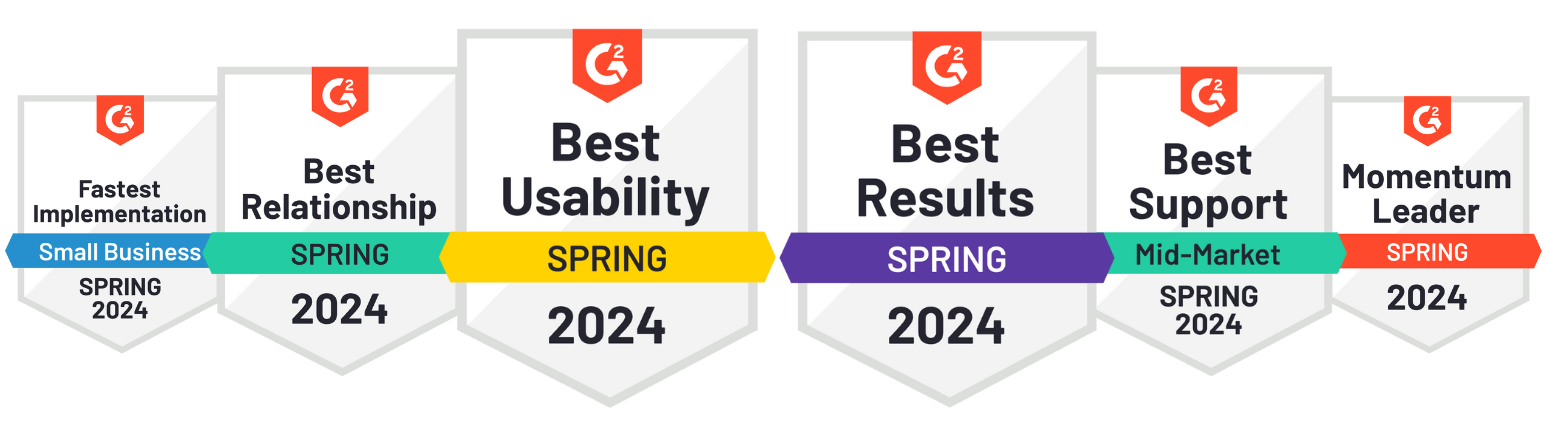
TeamPassword is a SOC 2-certified team password manager so easy that non-technical teammates adopt it — replacing spreadsheets and Slack messages with group-based sharing since 2012. No IT department required.
Yes. TeamPassword is built for teams that need to share logins safely. Credentials are encrypted and shared only with the people who need access, so nothing is exposed in plain text or sent over email or chat.
It can. You can organize passwords into groups and assign access by role, department, or project. This makes it easy to give the right people access while keeping everything else locked down.
Yes. TeamPassword eliminates the need for insecure spreadsheets or notes. Everything lives in one encrypted vault, with permissions, audit logs, and instant updates when passwords change.
TeamPassword fits naturally into daily workflows. It works in the browser, supports common authentication flows, and integrates with tools teams already use, so sharing access doesn't slow anyone down.
Absolutely. TeamPassword is designed for scaling teams, agencies, and distributed organizations. You can onboard new users quickly, manage multiple clients or projects, and keep access organized as your team grows.
Yes. When someone leaves the team, you can revoke their access instantly. Combined with easy password rotation, this helps prevent lingering access and reduces security risk.
It can. TeamPassword is intentionally simple, so marketing, sales, operations, and support teams can adopt it without training or IT overhead.