
Marketing and advertising run on creativity and speed, and in the rush to ship campaigns, security often gets sidelined. That is a problem, because agencies hold a lot of other people's data. A frequently cited figure suggests 43% of cyberattacks target small businesses (a number that traces back to older Accenture and SCORE research, but is still widely quoted). Older Verizon Data Breach Investigations Report data put the cost of a single incident anywhere from a few hundred dollars to several hundred thousand. For an agency, exposed client data and lost trust can be worse than the bill.
This guide covers why password management matters for agencies, the features that actually count, and the five tools worth comparing in 2026, with current pricing and an honest "best for" verdict on each.
Prefer to skip ahead? TeamPassword is built for exactly this: fast, secure credential sharing for teams that juggle many client accounts. Start a 14-day free trial and try it yourself.
How to choose (the 30-second version)
If you're short on time, weigh candidates against four things:
- Security architecture. Zero-knowledge encryption and AES-256 are the baseline. Look for enforceable MFA.
- Sharing and access control. Can you share by client or project, and revoke a contractor's access in one click?
- Ease of adoption. Creative teams won't use a clunky tool. Fast onboarding beats feature bloat.
- Cost vs. value. Match the plan to your headcount and growth, not to a feature list you'll never touch.
Why marketing teams need a password manager
Agencies handle sensitive material constantly, from client contact lists to campaign strategy to financial records, spread across dozens of platforms. That mix makes them an appealing target. A solid password management system is the difference between "one account got phished" and "a client's whole data set walked out the door."
Data sensitivity
Every project file and financial report is valuable to someone. A password manager encrypts stored credentials so only the right people can reach the accounts behind that data.
Regulatory compliance
Agencies have to comply with data protection laws like GDPR and CCPA, which govern how personal data is collected, stored, and handled. A password manager with detailed logs and reports helps you demonstrate you're following the rules, and password-related compliance is one of the easiest boxes to tick. Non-compliance can mean steep fines and reputational damage.
Risk of data breaches
A breach isn't just an immediate cost. It's lost client trust, possible legal exposure, and future business that quietly goes elsewhere. Reducing the odds of a credential-based breach is one of the highest-leverage security investments an agency can make.
The features that matter for agencies
A good fit balances security, ease of use, and the specific ways agencies work.
User-friendliness. Teams span a wide range of technical comfort. A tool with a steep learning curve gets ignored, and unused security is no security. The best password managers blend into daily work with near-zero training.
Multi-account management. Agencies juggle many client accounts, each with its own logins. You need to organize credentials by client or project and switch between them without friction or risk.
Secure sharing. Collaboration is the whole job. Sharing credentials over email or chat is a liability. A password manager shares them encrypted, so the recipient can use a login without ever seeing the raw password. When you need to hand something to an outside partner, a one-time secret link is far safer than a Slack message.
Remote-work compatibility. In a distributed team, access has to work across desktop, laptop, and mobile without breaking the workflow.
Scalability. As you add clients and staff, the tool should add users and accounts without weakening security or requiring a migration.
Agency use cases: where these tools earn their keep
Generic feature lists miss what actually breaks in an agency. Here's where a password manager pays off:
- Sharing client credentials. Group a client's logins (ad accounts, CMS, analytics, social) and share the group with only the team on that account.
- Contractor and guest access. Freelancers and contractors need temporary access, not a permanent seat in your vault. Look for time-limited sharing or one-time links.
- Fast offboarding. When a contractor rolls off or an employee leaves, you revoke a group in one click instead of rotating every shared password. Applying the principle of least privilege from day one makes this trivial.
- High-turnover onboarding. Agencies churn staff faster than most industries. New hires should get exactly the access their role needs and nothing more.
The 5 best password managers for marketing and advertising agencies
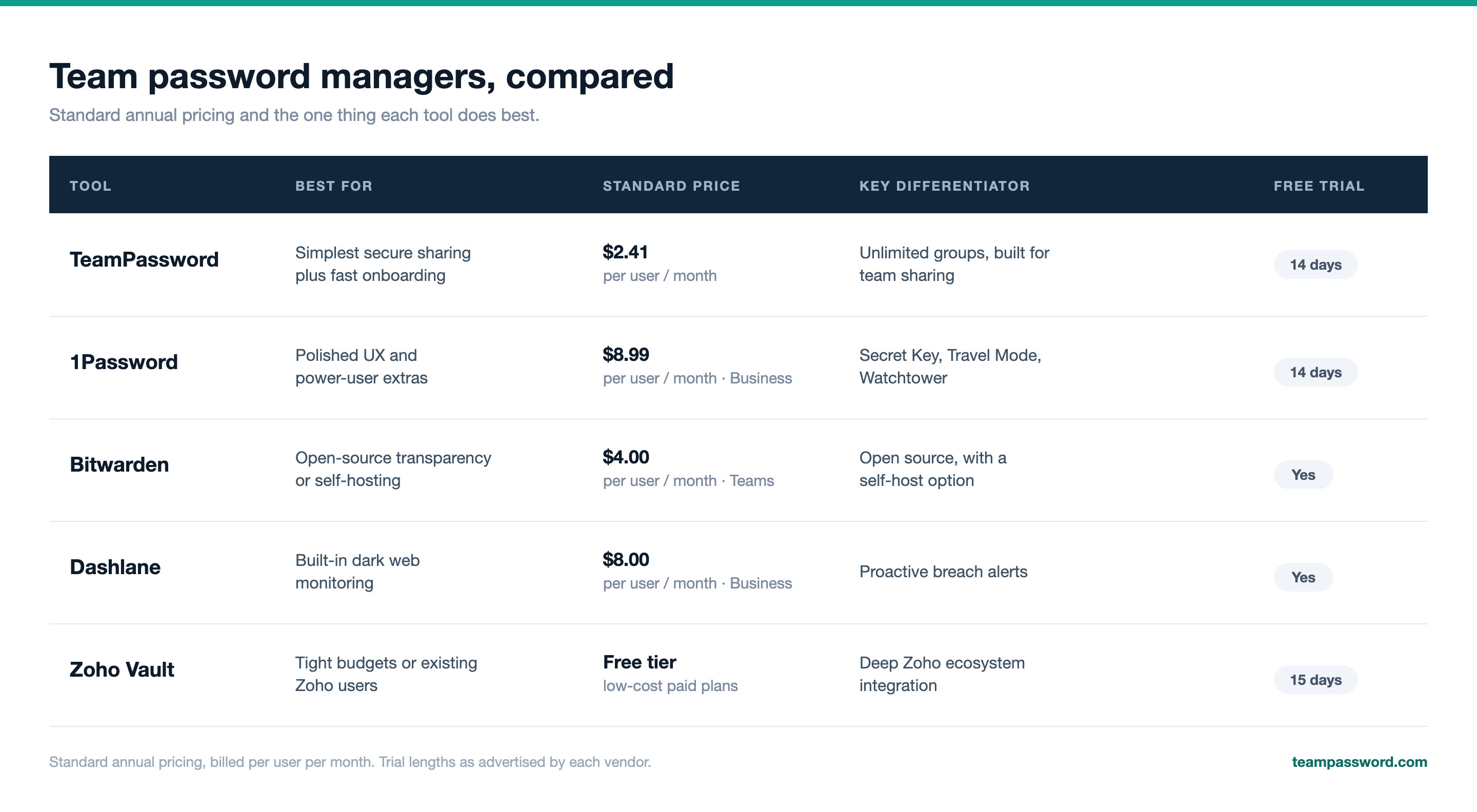
Here's how the top five compare before we get into detail.
1. TeamPassword
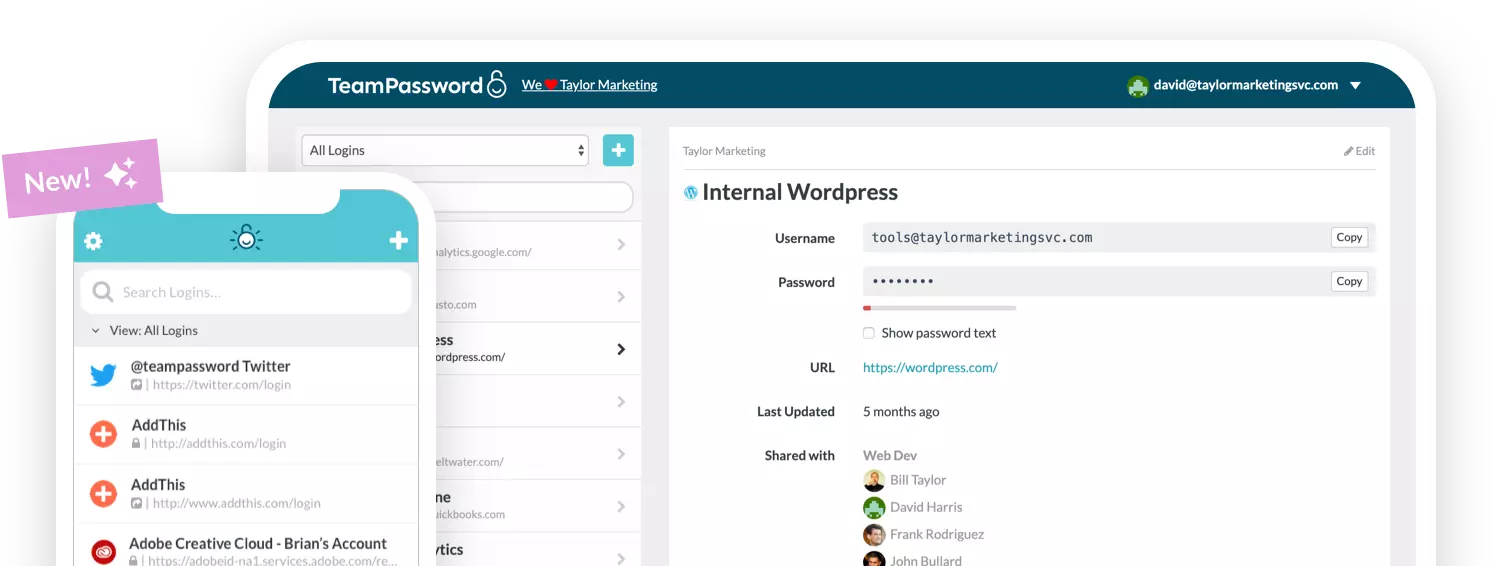
TeamPassword is built specifically for the collaborative needs of teams, with an emphasis on simplicity. The interface is designed for intuitive storage, organization, and sharing, so onboarding usually takes minutes rather than a training session.
The standout for agencies is unlimited, customizable groups for selective sharing, which map cleanly onto per-client organization and high-turnover teams. Every plan includes free Google Sign-in for quick, secure access, and support response times are fast.
The Standard plan starts at $2.41 per user per month billed annually. For more advanced needs, the Enterprise plan is $5.25 per user per month, also annual. Both require a minimum of three users.
Best for: agencies that want the fastest path to secure, organized sharing without a learning curve.
2. 1Password
1Password pairs strong security with a genuinely refined experience. Its Secret Key, a unique 34-character code combined with your master password, adds an encryption layer beyond what most competitors offer. The interface is polished across every platform. Power-user features like Travel Mode (temporarily remove vaults when crossing borders) and Watchtower (alerts for weak, reused, or breached passwords) add real value, and there are solid developer tools and integrations.
The Business plan is $8.99 per user per month billed annually. A Teams Starter Pack for up to 10 users runs a flat $24.95 per month. Larger organizations can get custom Enterprise pricing.
Best for: agencies that want the most polished UX and don't mind paying a premium for extras.
3. Bitwarden
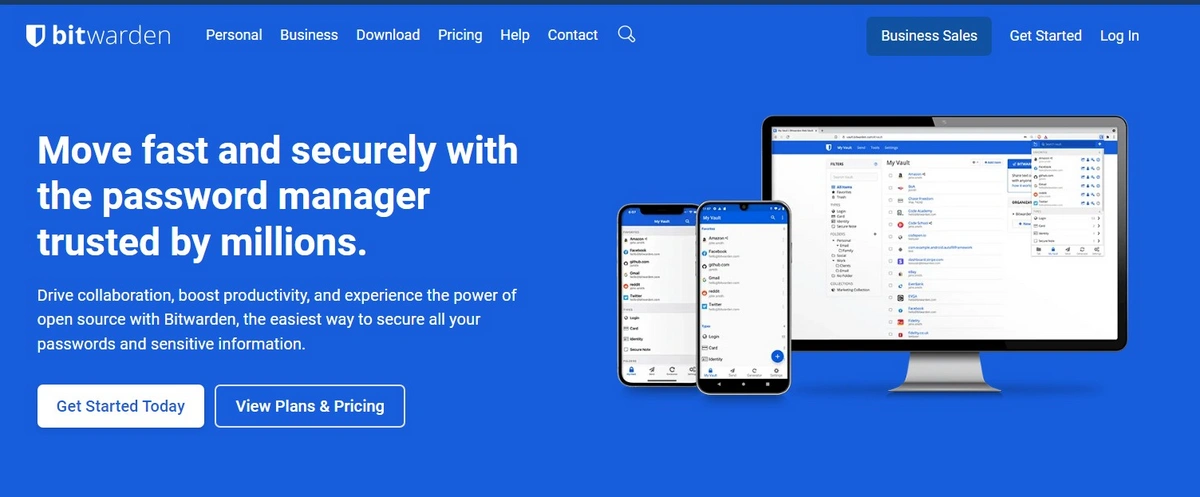
Bitwarden's calling card is its open-source codebase, which is continuously reviewed by a global community, a real transparency and trust signal. Businesses can also self-host on their own infrastructure (Enterprise plan) for maximum control over data and compliance. It's cost-effective, cross-platform (including Linux), and offers secure file sharing via Bitwarden Send plus enterprise policies, API access, and SSO.
- Teams plan: $4 per user per month (annual), including unlimited sharing, event logs, user groups, API access, directory connector, and SCIM.
- Enterprise plan: $6 per user per month (annual), adding passwordless SSO, advanced policies, account recovery, self-hosting, custom roles, and free Families plans for all users.
Best for: agencies that value open-source transparency or need to self-host.
4. Dashlane
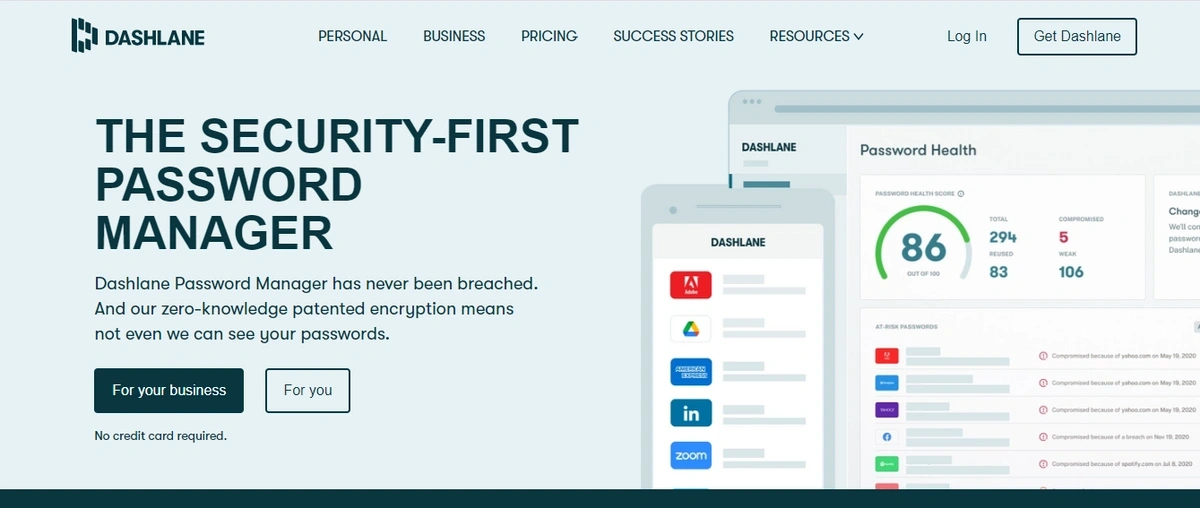
Dashlane is known for a friendly design and strong security tooling, especially proactive Dark Web Monitoring that flags compromised credentials. It also offers robust password generation, secure sharing, and multi-device access on a zero-knowledge architecture. For agencies holding sensitive client data, early breach alerts are genuinely useful.
- Standard: $30 per month for up to 10 users (billed annually), covering core management and Dark Web Monitoring.
- Business: $8 per user per month, adding SSO, SCIM, advanced controls, and a free family plan per user. Dashlane also markets a higher Omnix tier around $11 per user per month.
Best for: agencies that want built-in dark web monitoring baked into the vault.
5. Zoho Vault
Zoho Vault rounds out the list as the budget and ecosystem pick. There's a genuinely useful free tier, and paid plans (Standard, Professional, Enterprise) are among the lowest-cost in the category. Professional and Enterprise require a minimum of five users. It offers AES-256 encryption, fine-grained sharing permissions, one-time sharing with third parties, audit trails, and a break-glass account for emergency access. If your agency already runs on Zoho Mail, Desk, or Projects, the native integrations are a real advantage. Check the current Zoho Vault pricing before you commit, since tiers and prices change.
Best for: cost-sensitive agencies, or teams already living in the Zoho ecosystem.
TeamPassword is the best fit for most agencies
The right choice depends on your budget, your stack, and how comfortable your team is with new tools. Weigh these factors:
- Security strength. Strong, industry-standard encryption, solid MFA options, and a zero-knowledge architecture so not even the provider can read your data.
- Ease of adoption. An intuitive interface that everyone will actually use. A complicated tool defeats the purpose.
- Relevant features. Secure, easy sharing that fits your existing workflow rather than fighting it.
- Cost vs. value. Pricing that matches your budget, with the features and support you'll actually rely on.
TeamPassword is proud to serve many marketing agencies, and it hits each of these marks: enforceable 2FA and AES-256 encryption for the security floor, unlimited groups for per-client organization, and an interface simple enough that a new freelancer is productive on day one. Plans start at just $2.41 per user per month.
Don't take our word for it. Sign up for a 14-day free trial and see how it fits your agency. →
Frequently asked questions
What's the best password manager for a small agency?
For most small agencies, the deciding factors are price and ease of adoption. TeamPassword (from $2.41/user/month, 3-user minimum) and Zoho Vault (free tier plus low-cost paid plans) are the strongest value picks. If you want the most polished experience and have the budget, 1Password is excellent.
How do agencies share client passwords securely?
Group each client's credentials in your password manager and share the group only with the team assigned to that client. The manager transmits passwords encrypted, so teammates can log in without ever seeing the raw credential. Avoid email, chat, and shared spreadsheets entirely.
How do I revoke a contractor's access?
With a group-based tool, you remove the contractor from the relevant group (or delete their account) in one click, and their access disappears instantly. There's no need to rotate every shared password, which is the painful, error-prone alternative.
Is Google's built-in password manager enough for an agency?
For an individual, browser-stored passwords are convenient. For an agency, they fall short: no granular team sharing, weak access controls, no audit log, and no way to enforce MFA across everyone. A dedicated team password manager closes all of those gaps.